
Quick Start
Saving Quotes from Podcasts
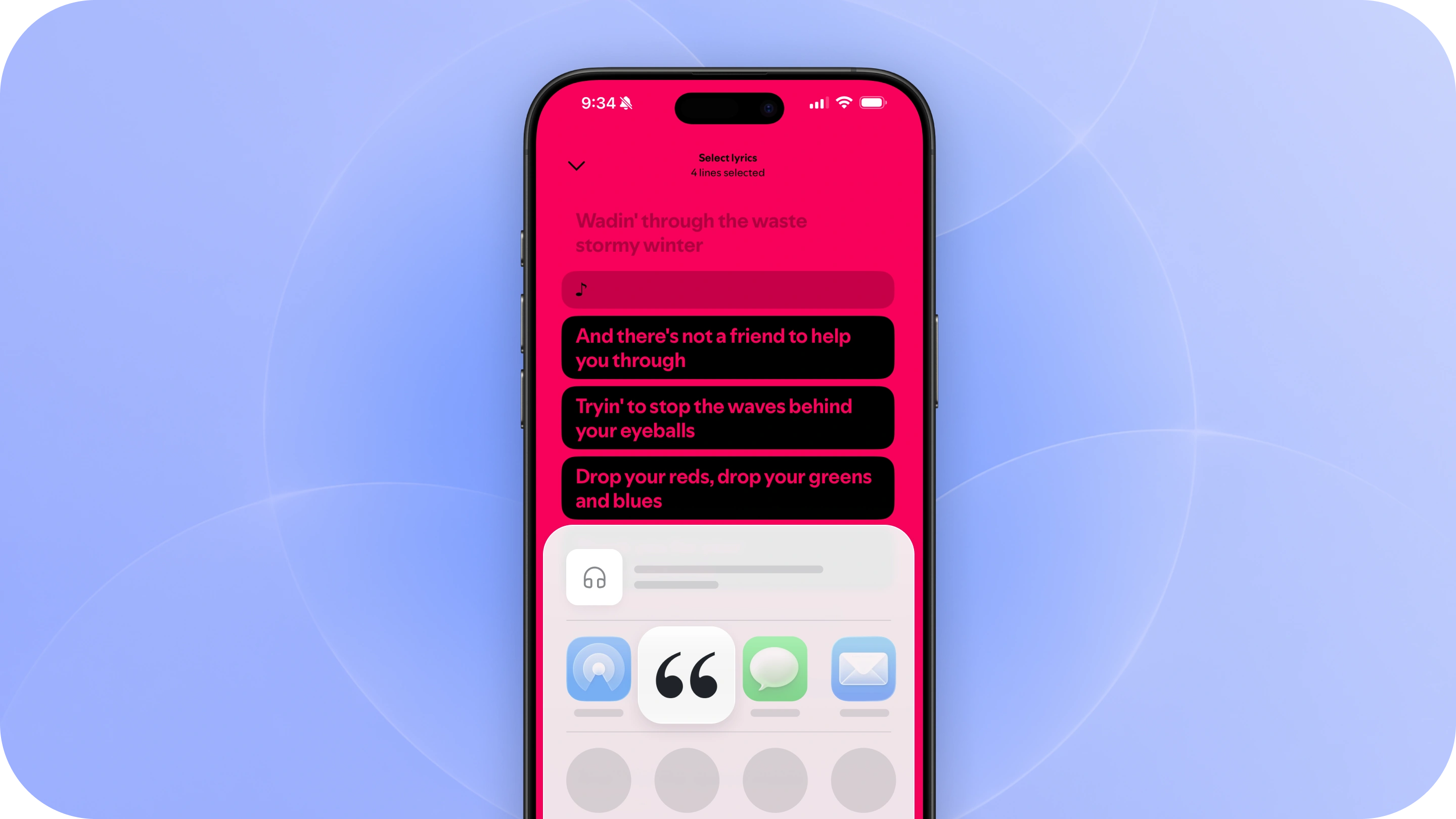
Hear something worth remembering in a podcast? Save the moment to Commonplace so you can come back to it later.
1. Saving from Spotify
If a transcript is available, scroll down on the episode page and open the transcript.
Tap Share, select the passage you want to save, and share it to Commonplace from the Share Sheet.
Commonplace will bring in your selected text along with the podcast and episode details with a timestamp of where the quote occurred in the podcast.
2. Saving from Apple Podcasts
Open the episode and tap the quote icon to view its transcript.
Highlight the passage you want to save, then tap Share from [timestamp] and select Commonplace from the Share Sheet.
Your quote will be saved alongside the episode, including the timestamp so you can find the original moment again.
Other podcast apps
If your podcast app doesn’t let you share transcript text, you can still save the episode to Commonplace.
Tap Share on the episode and choose Commonplace. We’ll automatically fill in the podcast and episode details when they’re available, then you can enter the quote manually.
Keep everything together
Quotes are organized by podcast and episode, so everything you save from the same episode lives together.
Over time, you can browse your library and revisit the ideas that stood out across the podcasts you listen to.
Keep listening
That’s it. Capture the moments worth remembering, keep them connected to where you heard them, and get right back to listening.