
Quick Start
Saving Quotes from Music
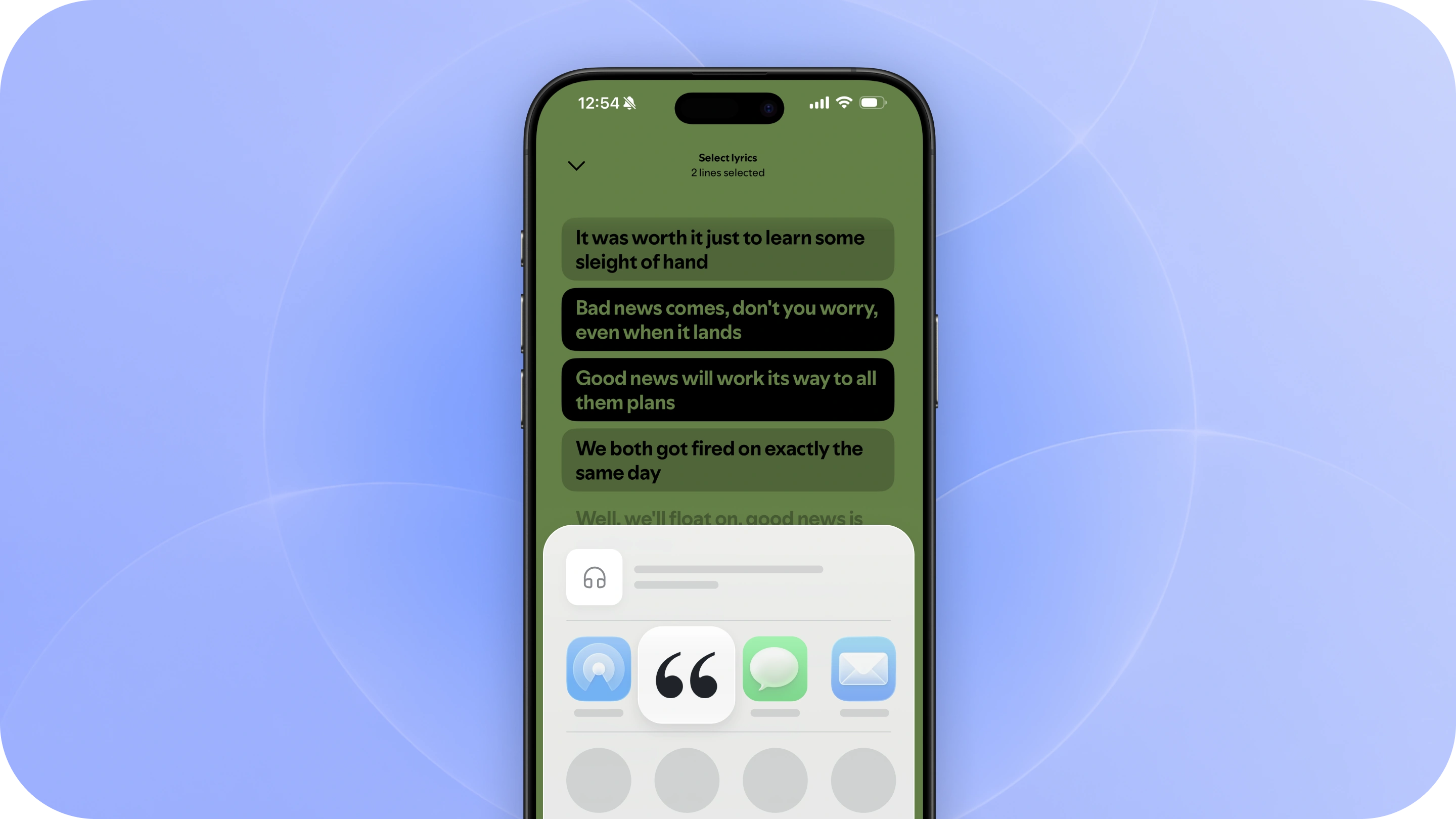
Hear a lyric that sticks with you? Save it to Commonplace and keep it connected to the song where you found it.
1. Find the lyrics
Most major music apps, including Spotify, Apple Music, YouTube Music, and Amazon Music, let you view lyrics while a song is playing.
Open the Lyrics section and find the line or passage you want to save.
2. Share the lyrics to Commonplace
Highlight or select the lyrics you want to save, tap Share, and choose Commonplace from the Share Sheet.
Commonplace will save your selected lyrics and automatically pull in details about the song when they’re available, including:
- Song title
- Artist
- Album
- Album artwork
- Link to the song
Other music apps
If your music app doesn’t let you share lyrics directly, you can still share the song itself to Commonplace.
Tap Share on the song and choose Commonplace. We’ll fill in the song details when they’re available, then you can enter the lyrics manually.
Keep everything together
Quotes are organized by artist and song, so everything you save from the same song stays together.
Over time, your library becomes a place to revisit the lyrics that stood out across the music you listen to.
Keep listening
That’s it. Save the lyrics that resonate, keep them connected to the music they came from, and get right back to listening.