
Quick Start
Other Ways to Save
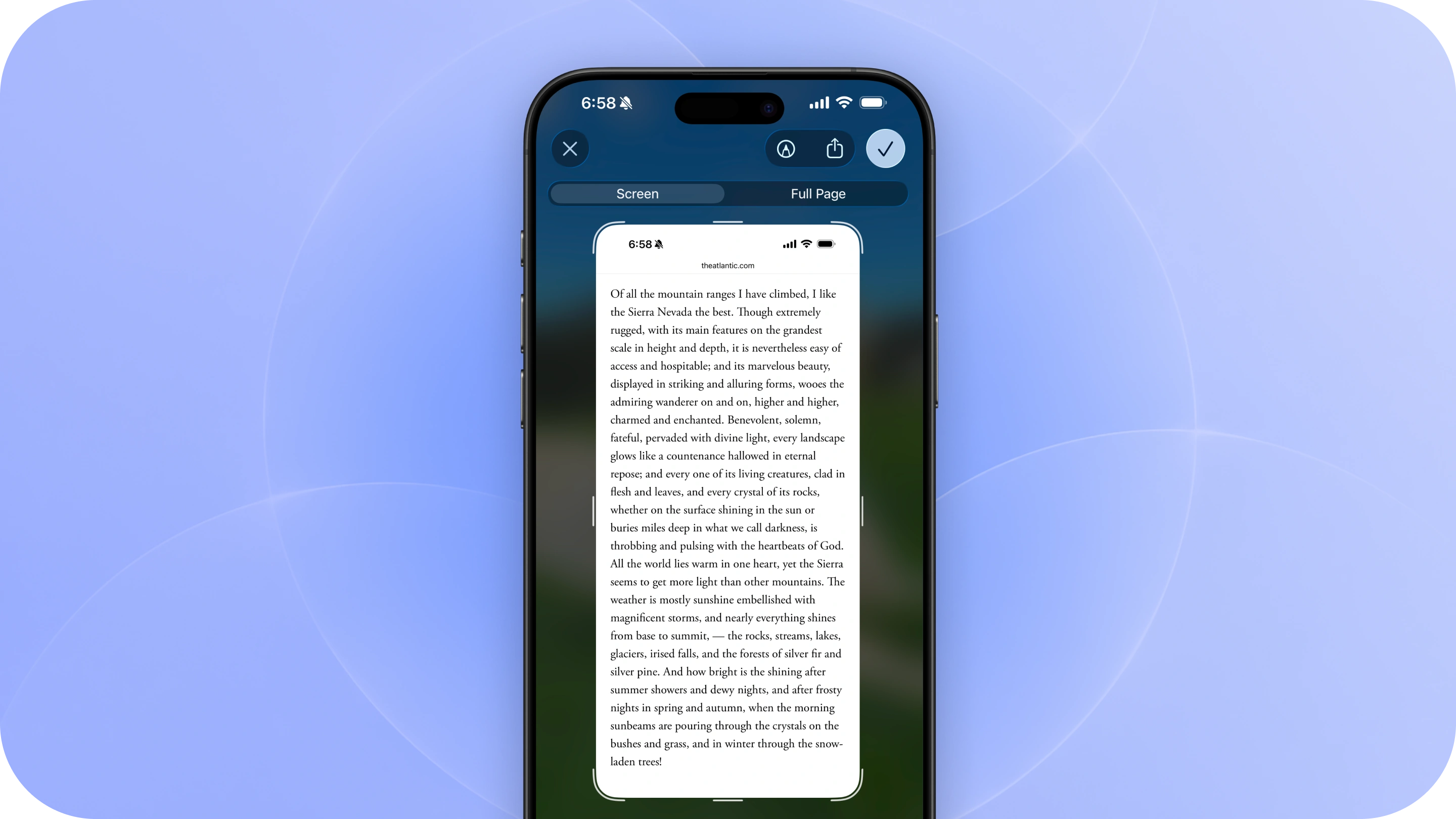
Not every quote comes neatly packaged in an article, book, podcast, or song. Commonplace gives you a few other ways to capture the things worth remembering, wherever you find them.
Save from a screenshot or image
Have a screenshot, photo, or other image containing text you want to keep?
Share the image directly to Commonplace from your Photos app or anywhere you can access the Share Sheet.
Commonplace will extract the text from the image so you can select the passage you want to save.
This works great for screenshots of social posts, messages, presentations, or anything else you come across.
Save your own quotes
Sometimes the things worth remembering don’t come from something you can link to.
Create a new quote manually and type or paste the words you want to save. You can add an author and source to remember where they came from.
Use custom quotes for things like:
- Conversations
- Speeches
- Lectures
- Interviews
- Presentations
- Your own thoughts
- Anything else worth remembering
Your custom sources live alongside everything else in your Commonplace library.
Save from anywhere
Commonplace is designed to be flexible. Whether something comes from a webpage, a screenshot, a conversation, or somewhere else entirely, you can keep the words that matter and the context behind them in one place.
If it’s worth remembering, there’s a way to save it.